Event ticketing software built for nonprofits
From registration to check-in, manage your entire event with ticketing, donations, and donor data all in one place.
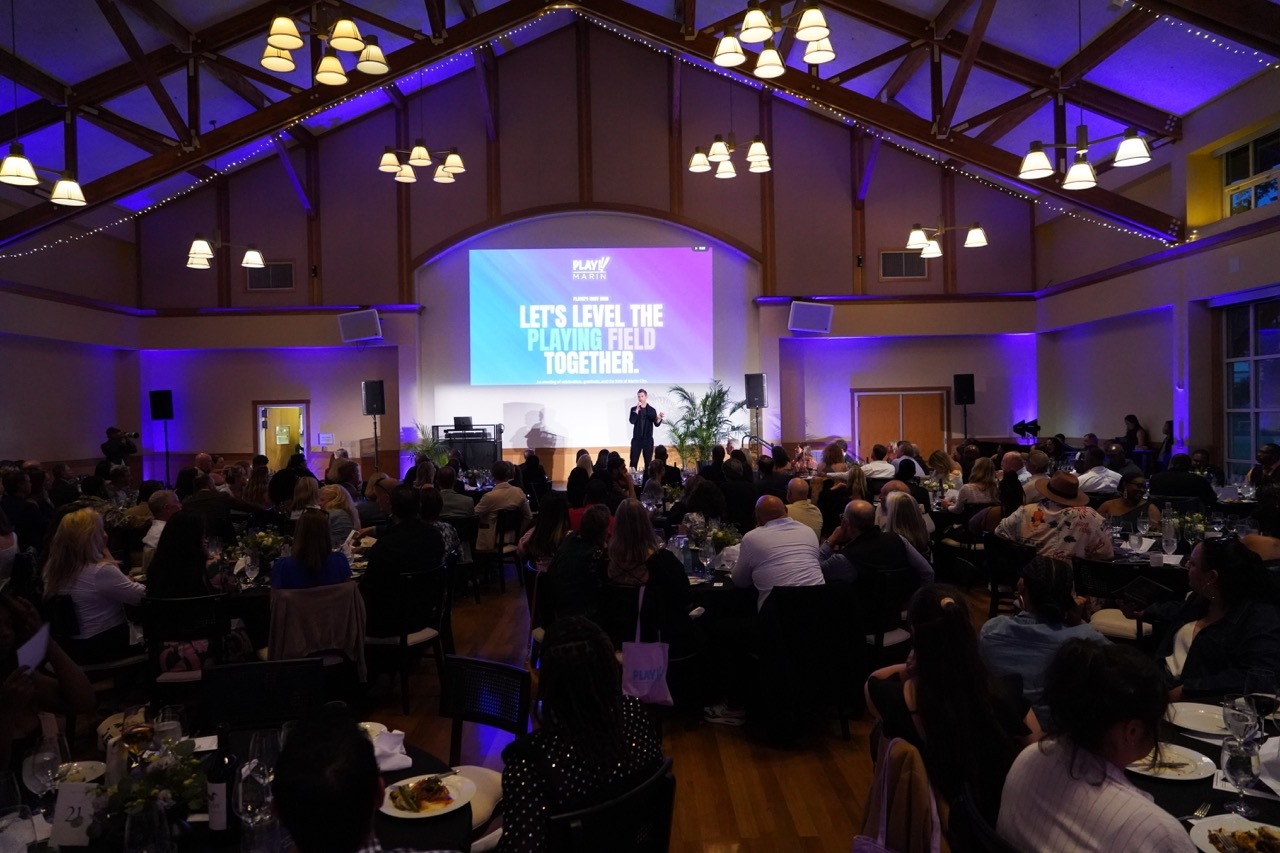
Run your entire nonprofit event from one place
Build an event page, sell tickets, manage attendees, and check guests in, all from your Kindest account. Tickets, donations, and donor records stay connected, so there's nothing to export or reconcile.

Everything your event needs, all in one place
Build event pages, sell tickets, manage attendees, and check guests in — all connected to your donations and donor data.
Build event pages that capture interest
Build a page that tells your story and looks like your organization, not a generic ticketing site. Customize with your images, branding, and content, and share event details, schedules, and what's included.
Sell tickets with flexibility
Build ticket options that fit any event, with fair market value handled from the start. Create ticket types with descriptions and fair market value, set quantity and capacity limits, hide exclusive or invite-only options, and register attendees on their behalf.
Manage attendees with ease
No more spreadsheets. Track every attendee from registration through check-in in one place — assign bid numbers, table numbers, and seats, collect the attendee information you need, and import or export attendee lists anytime.
Check guests in seconds with the event check-in app
When guests arrive, check them in by name, email, or ticket code. Edit or add attendee details right at the door, and see live check-in counts as guests arrive.

Watch your fundraising happen in real time
Pair ticketing with the Totalizer, which displays donations and donor names on screen as they come in, so your guests can celebrate the impact together, live in the room. The Totalizer is available on all Kindest plans.

Everything works together in Kindest
Ticketing lives on the same platform as your donations, donor CRM, and reporting — so you spend less time moving data between tools and more time creating experiences your supporters remember.